G-AI-A woven model review · 23 November 2026
1. Weaving the detail shots into the mesh
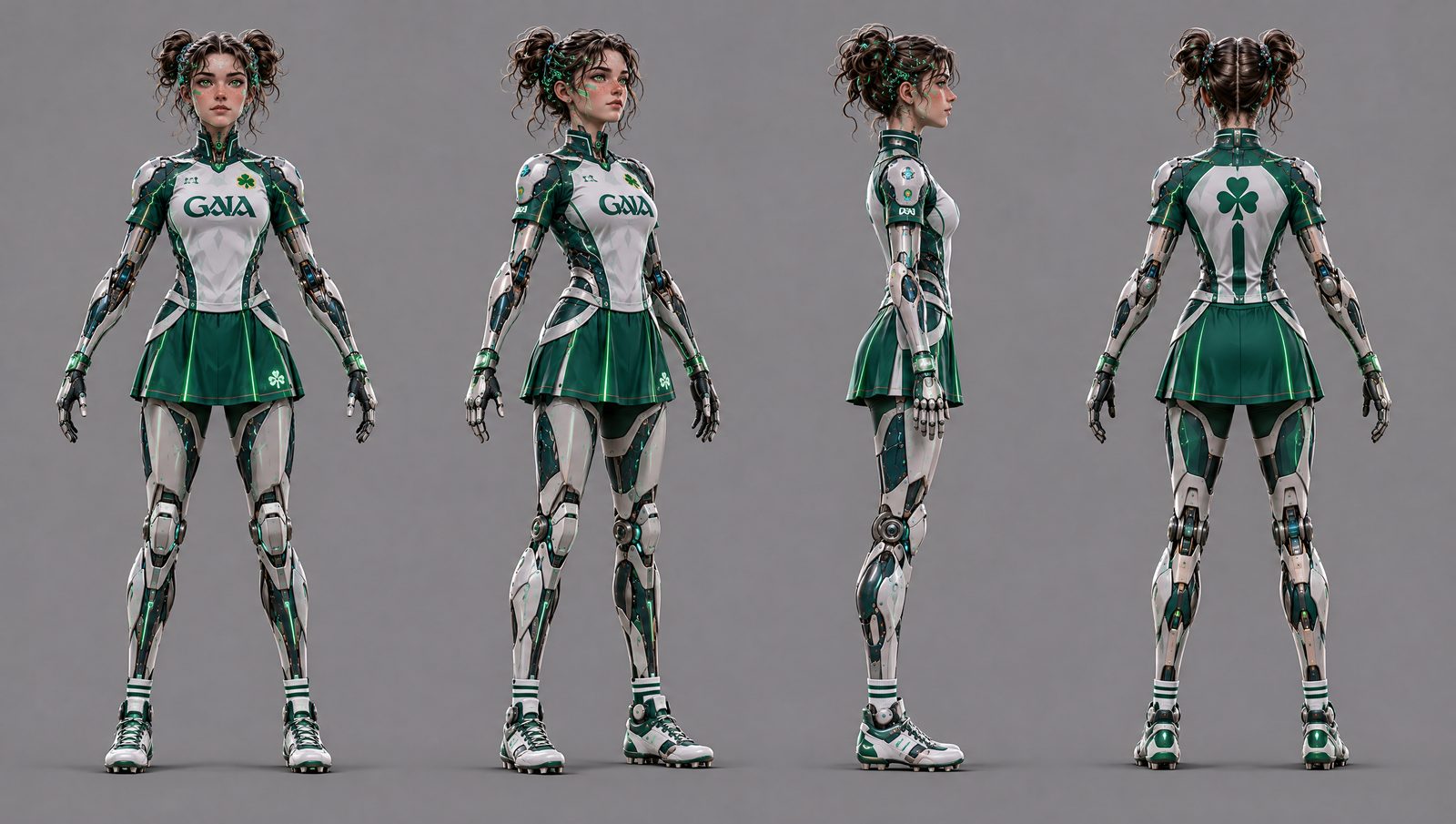
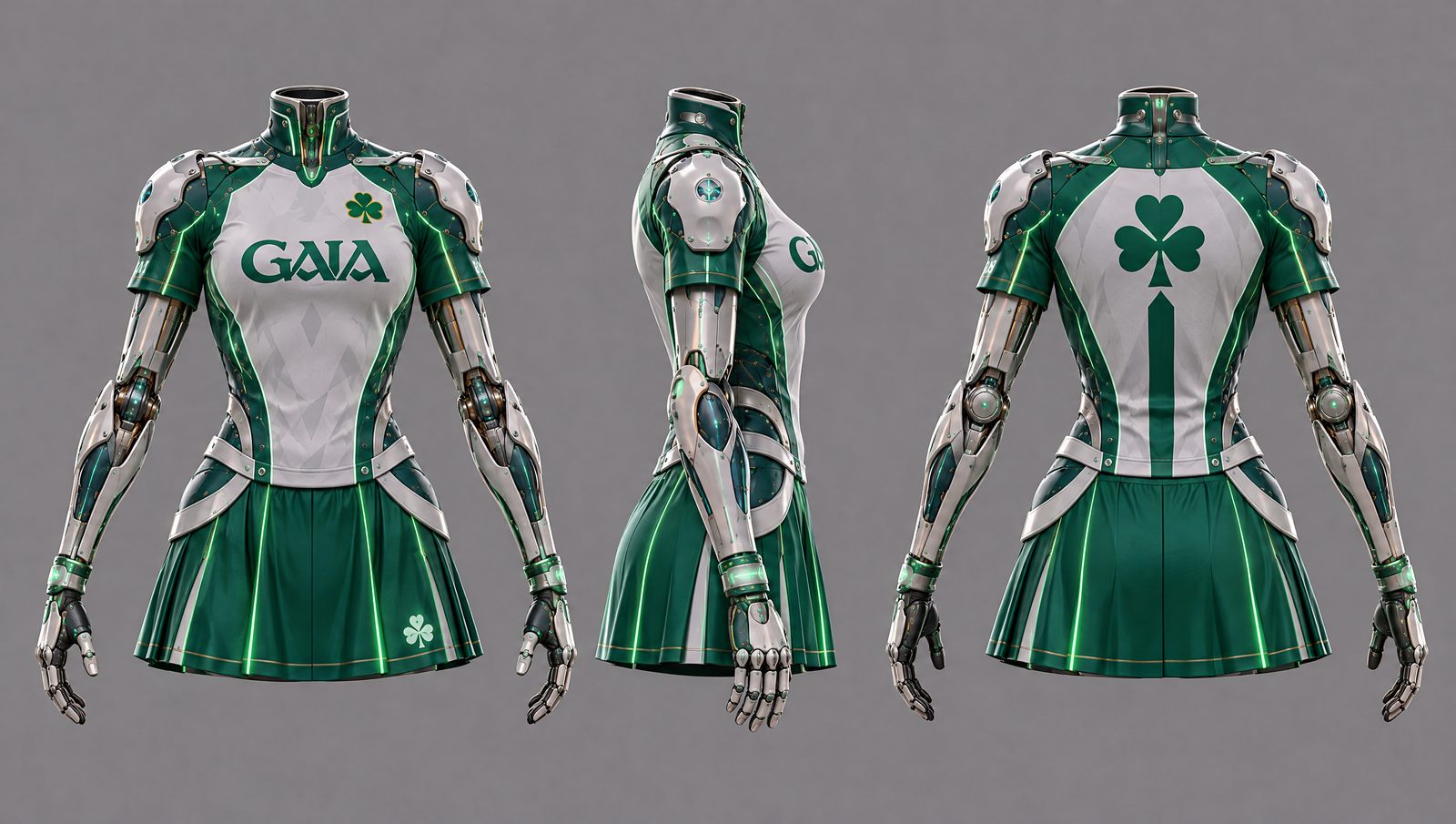
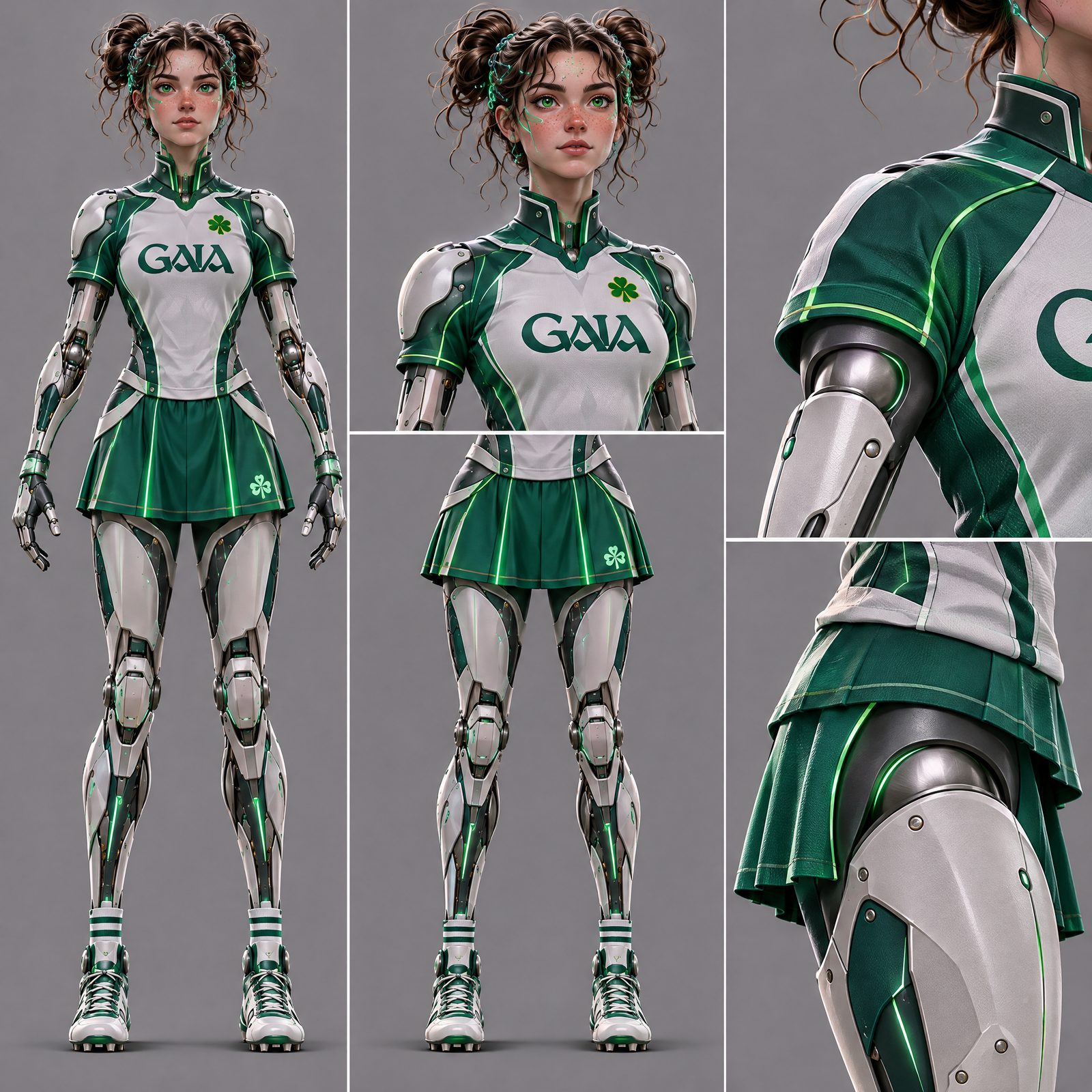
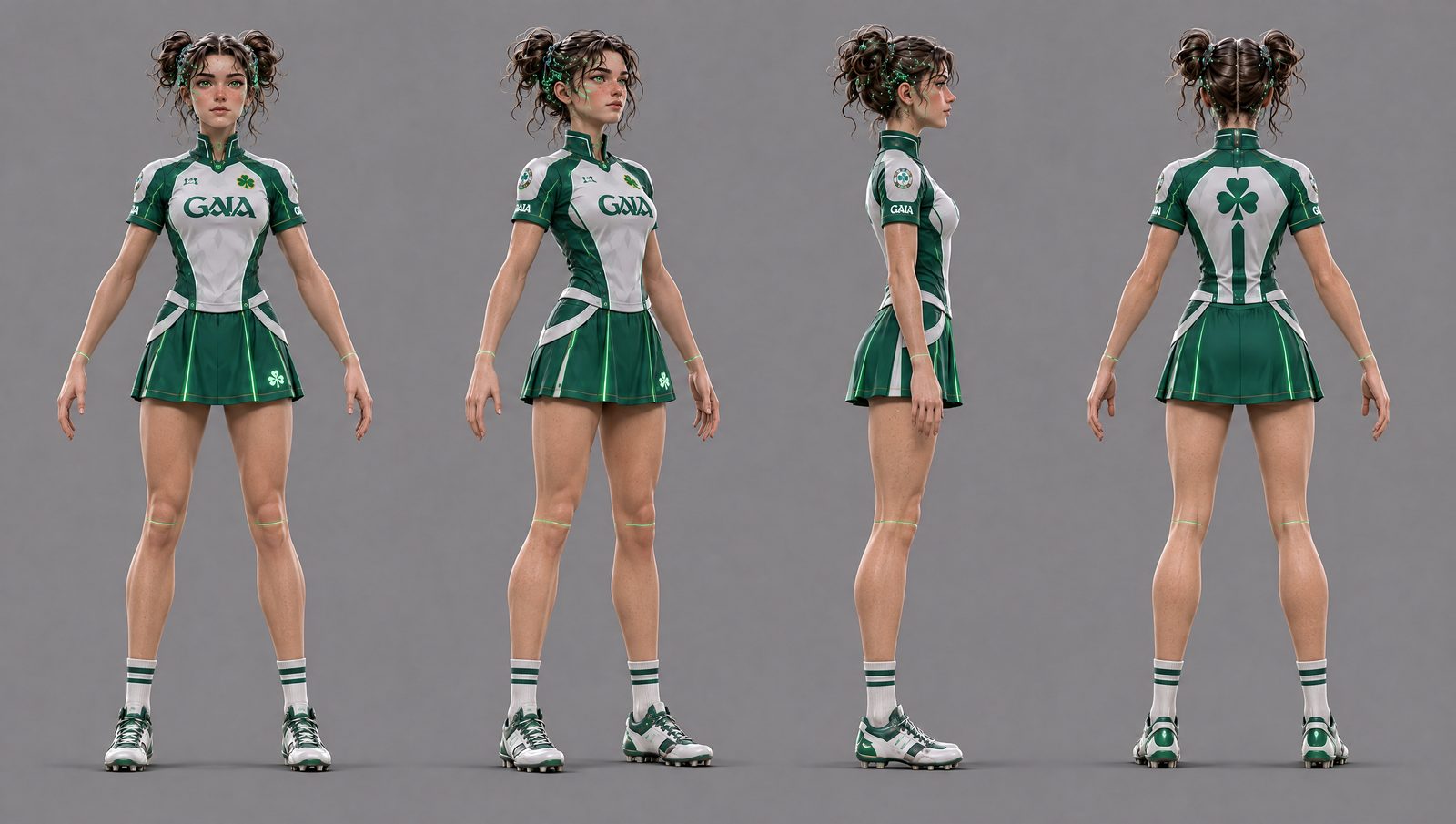
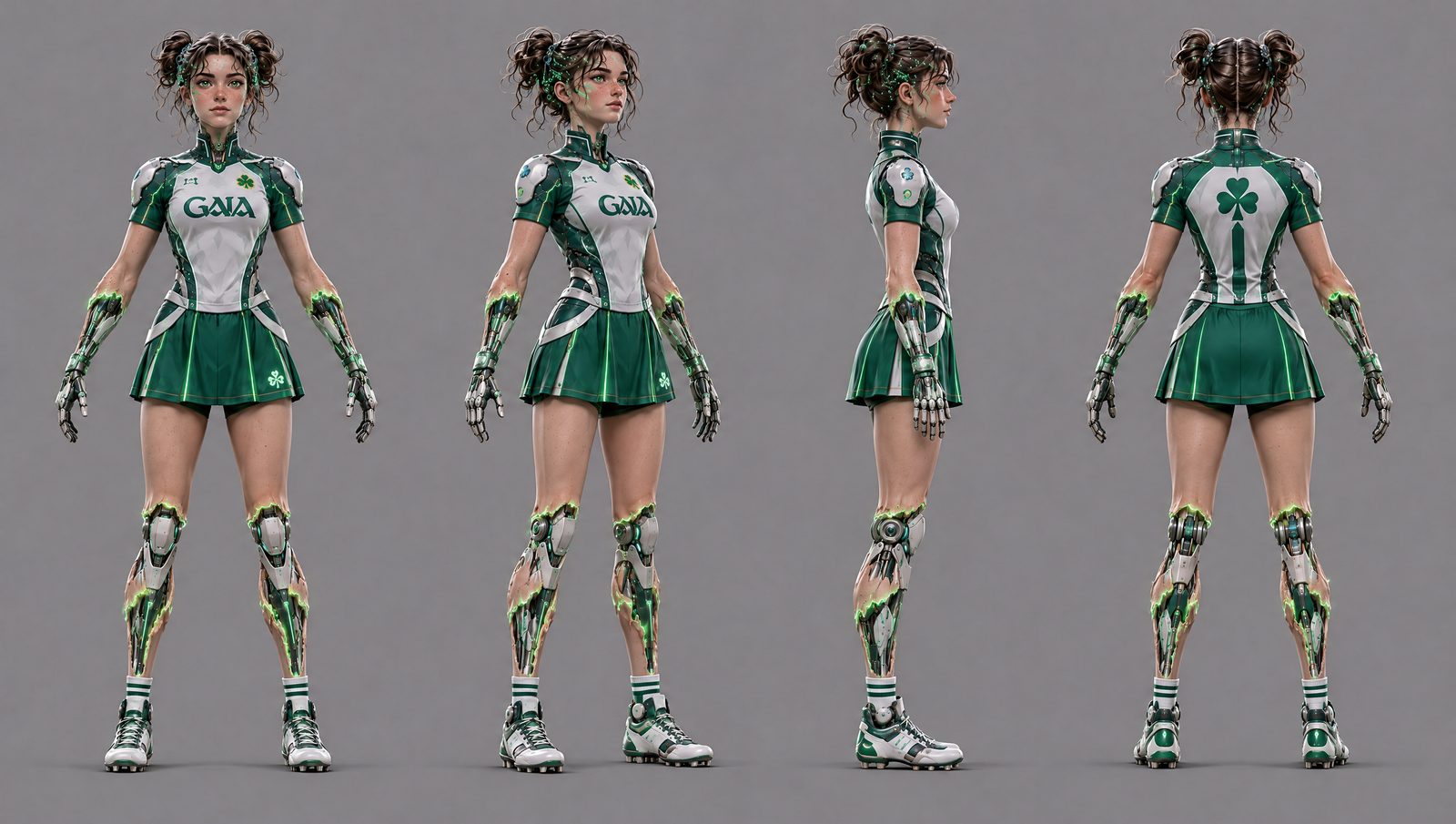
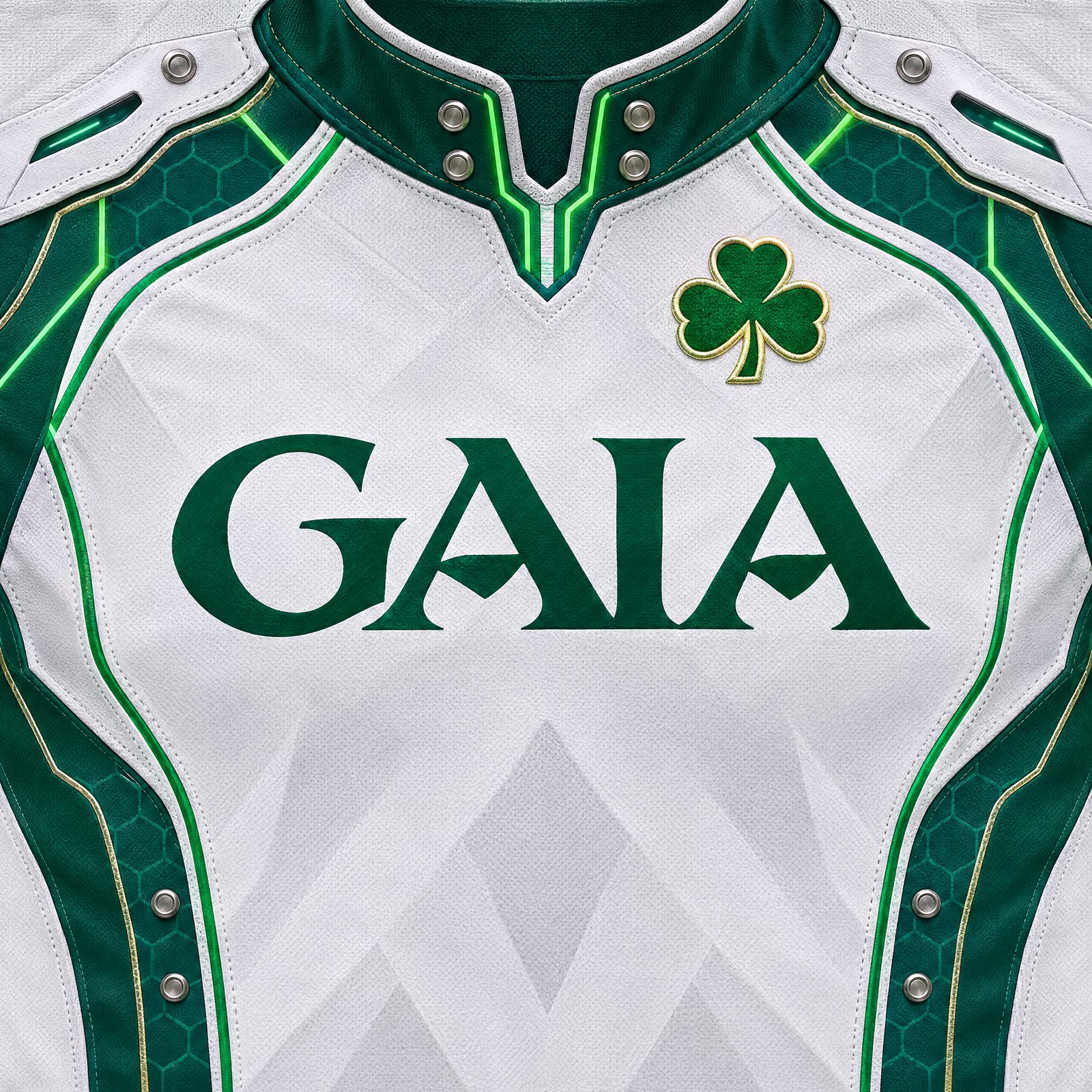
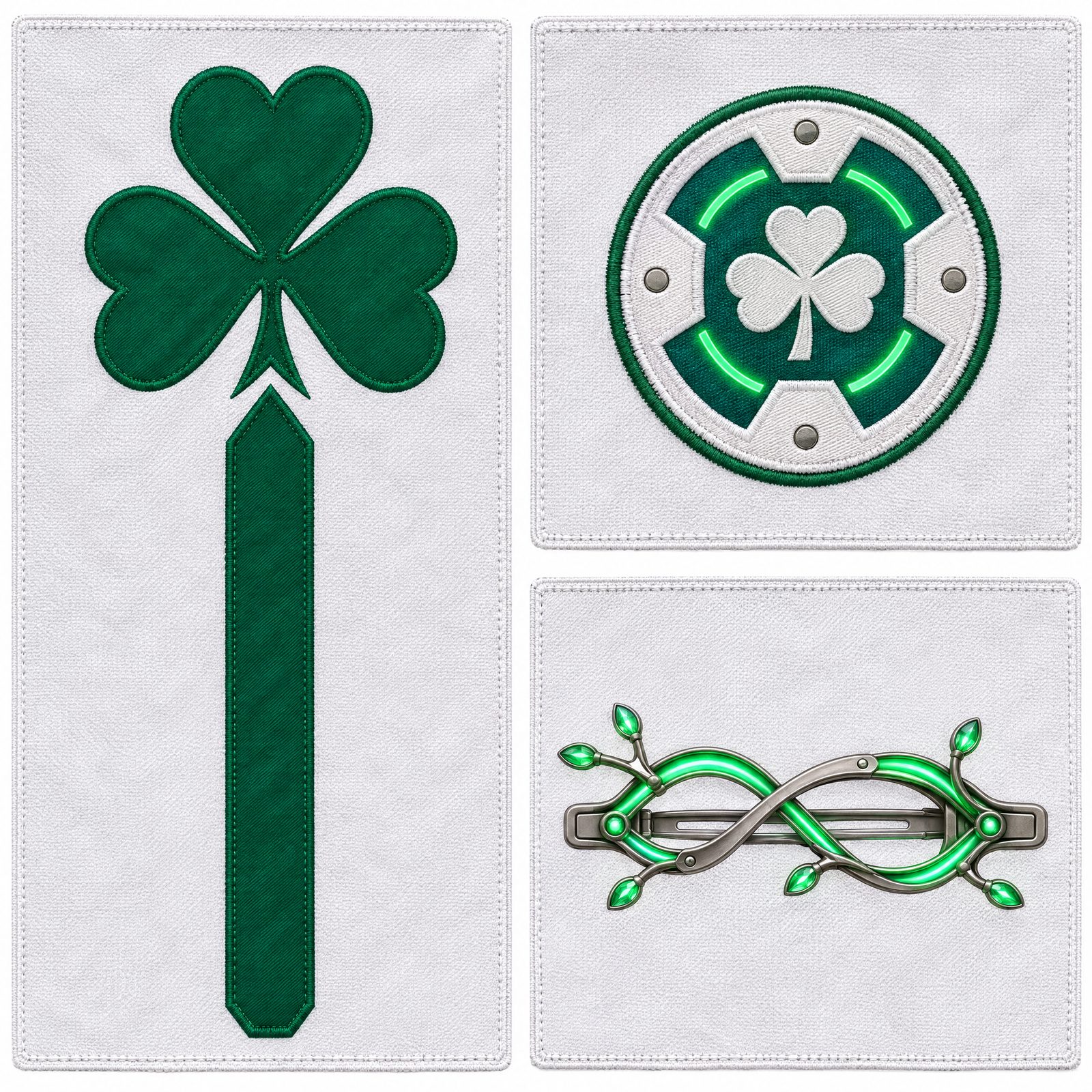
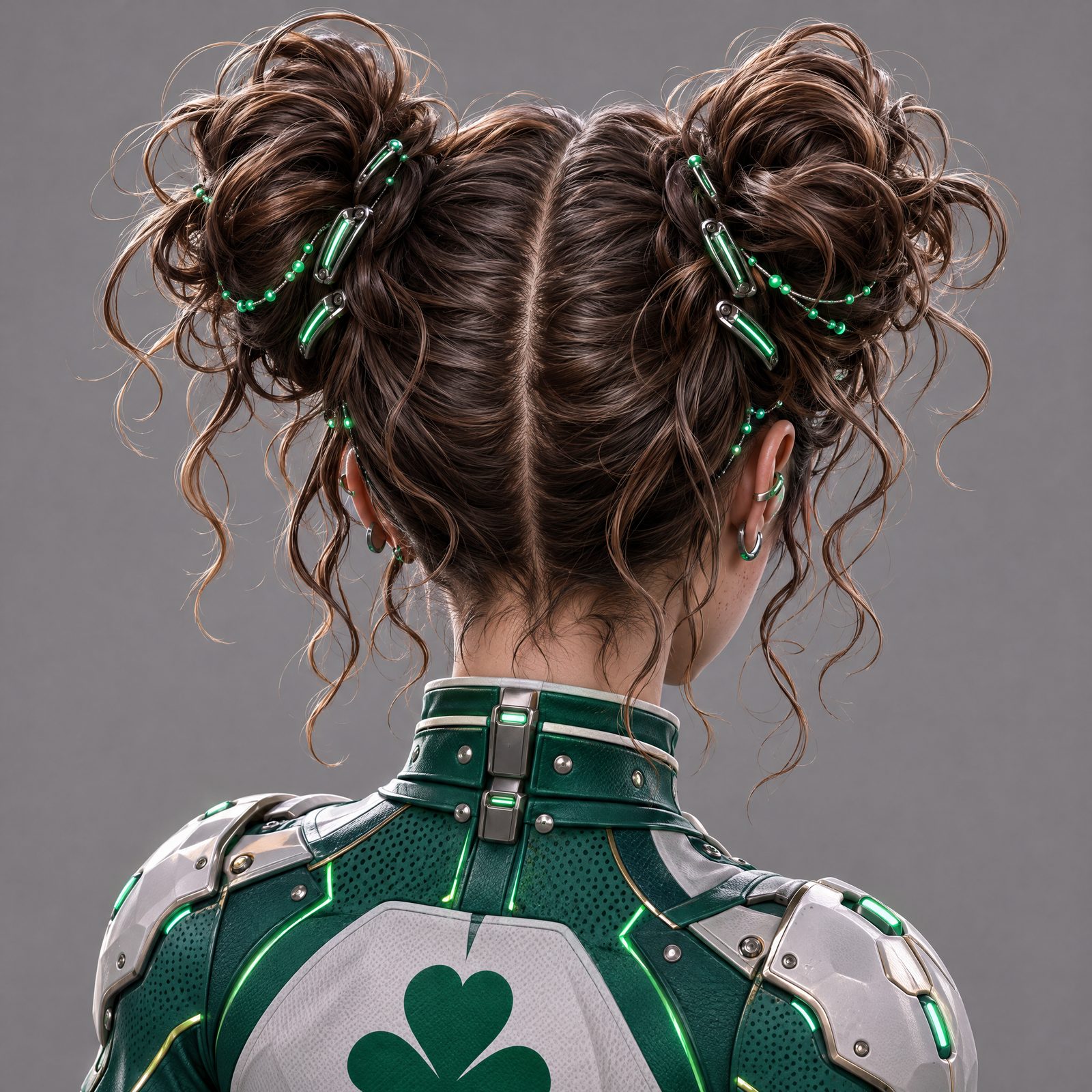
Keep render–edit–bake for surface detail. The front cut shows why it works: the white panel follows the existing chest, and the final GAIA reads cleanly. The back has a good shamrock but gains riveted shoulder caps and metal waist straps. One sleeve gains upper-arm lettering, while the opposite sleeve barely changes. Approve the baked mesh from an adjacent angle before carrying a repaint forward.
Replace the 3072-square whole-body render and estimated rectangles with a 1024-square local camera. Use one stationary textured mesh and feed the same orthographic CreateCameraInfo to RenderMesh (texture mode) and BakeTextureFromViews. Aim straight at each panel, with 10–15% context around the feature. Give each sleeve its own camera. First project a small test mark and check its position after rotating the mesh.
Draw the actual panel mask. At 1024, try a 4–8 px soft edge using MaskToImage → ImageBlur → ImageToMask, then multiply by the render silhouette with MaskComposite. Use it for both paste and projection. Preserve sharp letter edges inside the panel. Keep fill_unseen=False and the previous atlas attached. Start at blend_exponent=4; try 2 where two oblique views produce a join. A higher exponent favours the more frontal view. It cannot recover an occluded badge.
For TextEncodeQwenImageEditPlus, use the render as image 1, the matching cropped reference as image 2, and image 3 only for a missing fact. Example: “Copy image 2’s shamrock onto the white back panel of image 1. Keep the fabric folds, shoulder outline and lighting.” Start with the existing Lightning settings (4 steps, CFG 1, Euler/simple, seed 42). Hold seed fixed during camera and mask trials. For exact lettering, project the aligned, isolated approved mark directly with ImageCompositeMasked before baking.
2. Build order and disk checkpoints
| Layer |
Save before advancing |
| V03 shape |
Check joints and silhouette, decimate, unwrap once. Save the shared UV mesh with SaveGLB, plus normal and AO PNGs. |
| Base health |
While V03’s sparse shape data is available, texture it with V03, 10 and 09. Save base colour, metallic and roughness PNGs per stop via SaveImage. A GLB alone cannot restart Trellis2TextureStage. |
| Shared head, face and kit |
Bake 00/18 hair first, then 01/02 face, 03 jersey, 13 badges, 12 GAIA last. Use 11 for a bounded material patch and 19 for the back panel. Save the accepted atlas and UV coverage PNG after each layer. |
| Health-specific skin and plates |
Keep 09 arm cleanup full-only. The builder currently adds its coverage to the shared mask. Limit shared transfers to approved kit/hair/face regions. Bake 04–08 on frame and intersect their coverage with 10’s exposed regions before copying to half. Save three material sets and three inspection GLBs. |
| Props |
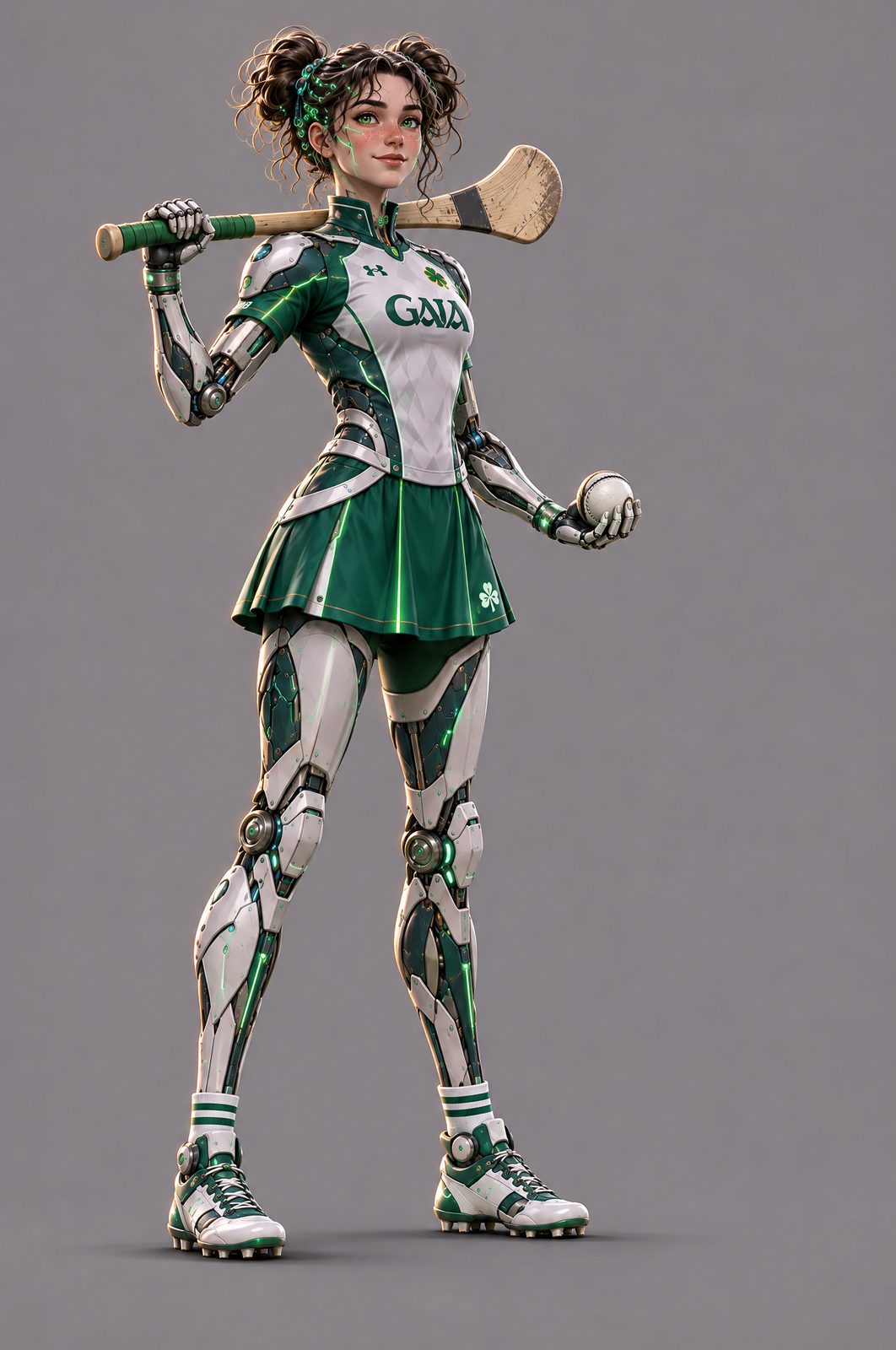
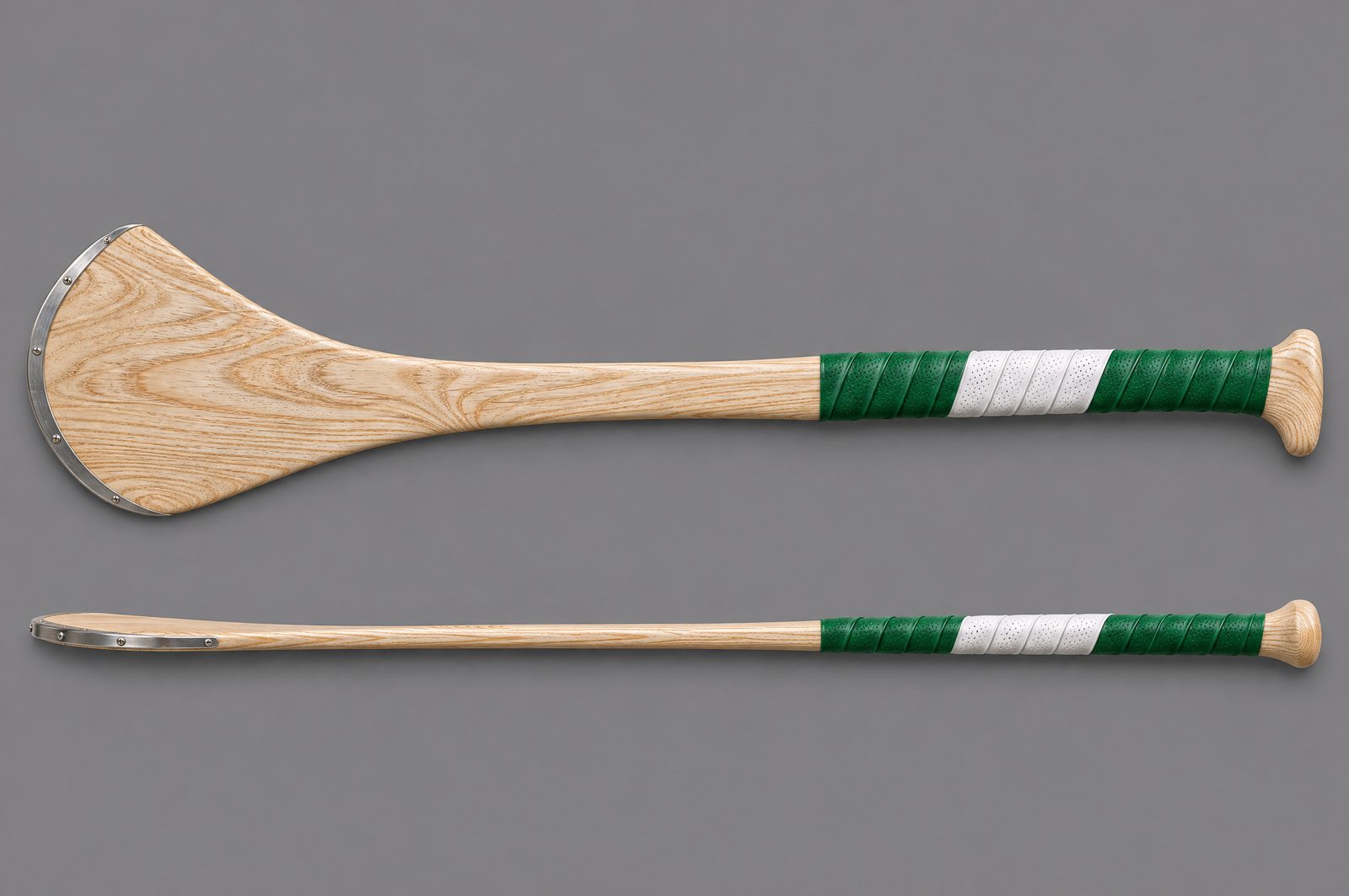
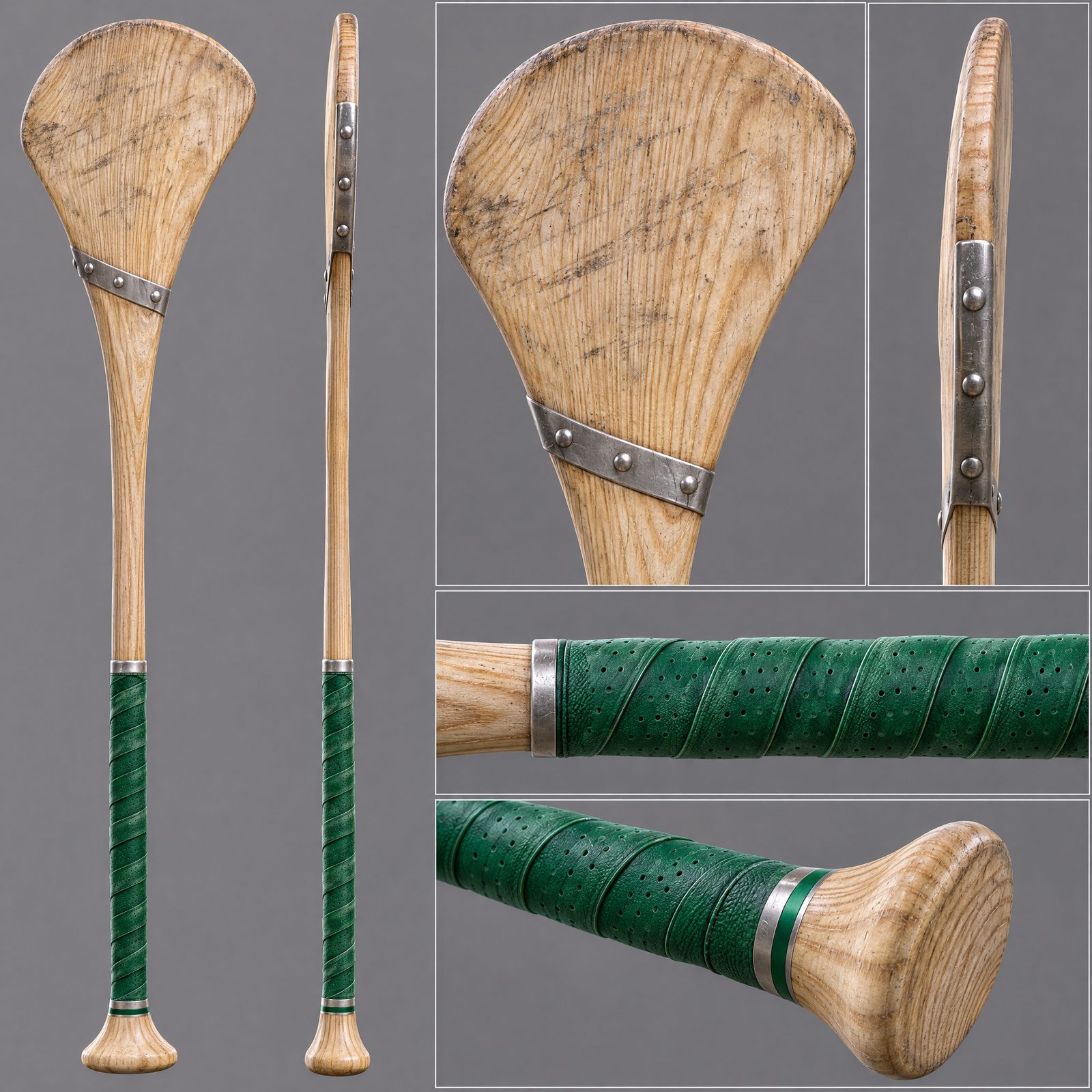
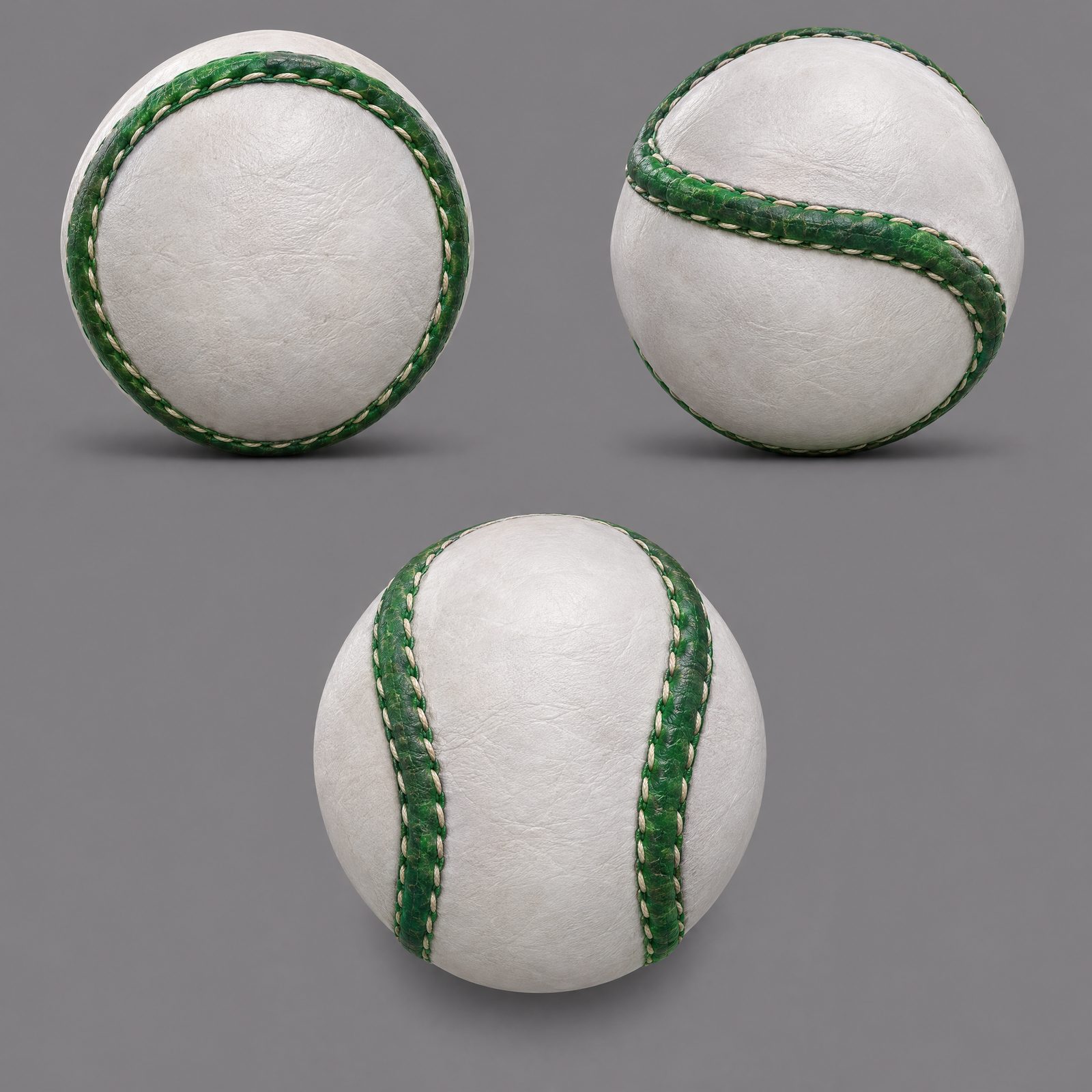
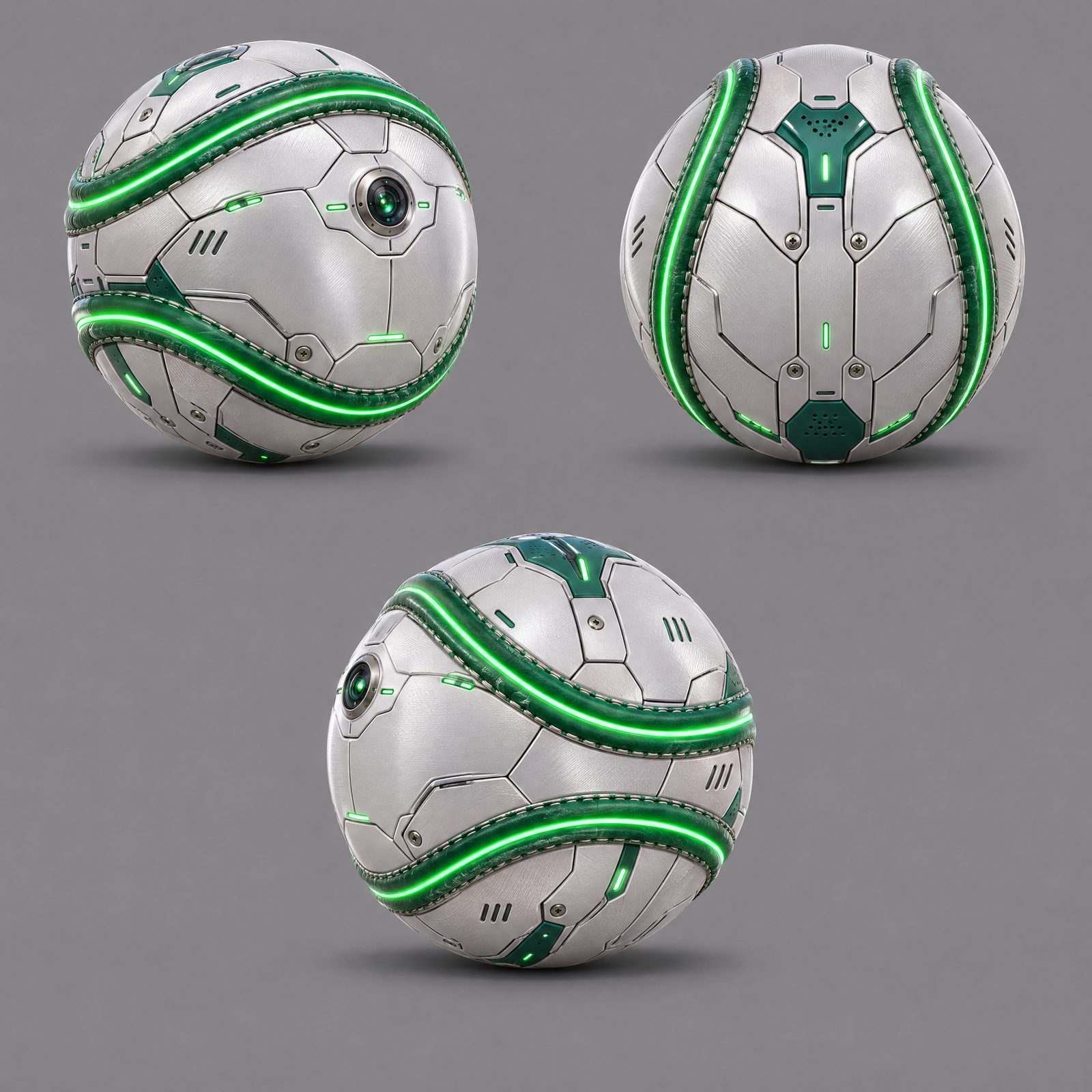
Use 14’s face/edge views plus 15 on the hurley, and the multiple views in 16 and 17 for each ball. Save each GLB and its texture PNGs independently. |
Keep these groups and their file loaders visible in one saved graph in Kev’s page. Queue the current group’s save nodes as partial targets. The runner targets “Repainted” before projection and “Look” on a sibling branch of SaveGLB. Stage accepted files under ComfyUI input and resume through Load3DAdvanced → Get3DComponents and LoadImage → ApplyTextureToMesh. Check a cold reload against the original render before dropping cached results.
3. Green kit drifting to navy
The v1 atlases already contain navy in half and frame. The reported green inputs and earlier green V03 result point upstream of the viewer. Guess: texture sampling under weak colour conditioning. The precise step is unresolved. Hold shape and views fixed, vary texture seed 43 alone and compare unlit bakes against 09.
Use the approved green kit from full health on the shared UVs wherever the garment matches. For folds unique to another stop, keep v2’s ImageRGBToYUV → ImageInvert(U) → ImageYUVToRGB correction inside a garment mask intersected with ThresholdMask(U > 0.53). Preserve Y, V and material maps. The test shows greener islands, but cannot identify every affected material. Compare skirt and jersey swatches under identical lighting and inspect silver, skin and trim for spill. Save the garment mask for player colour selection.
4. Joint geometry
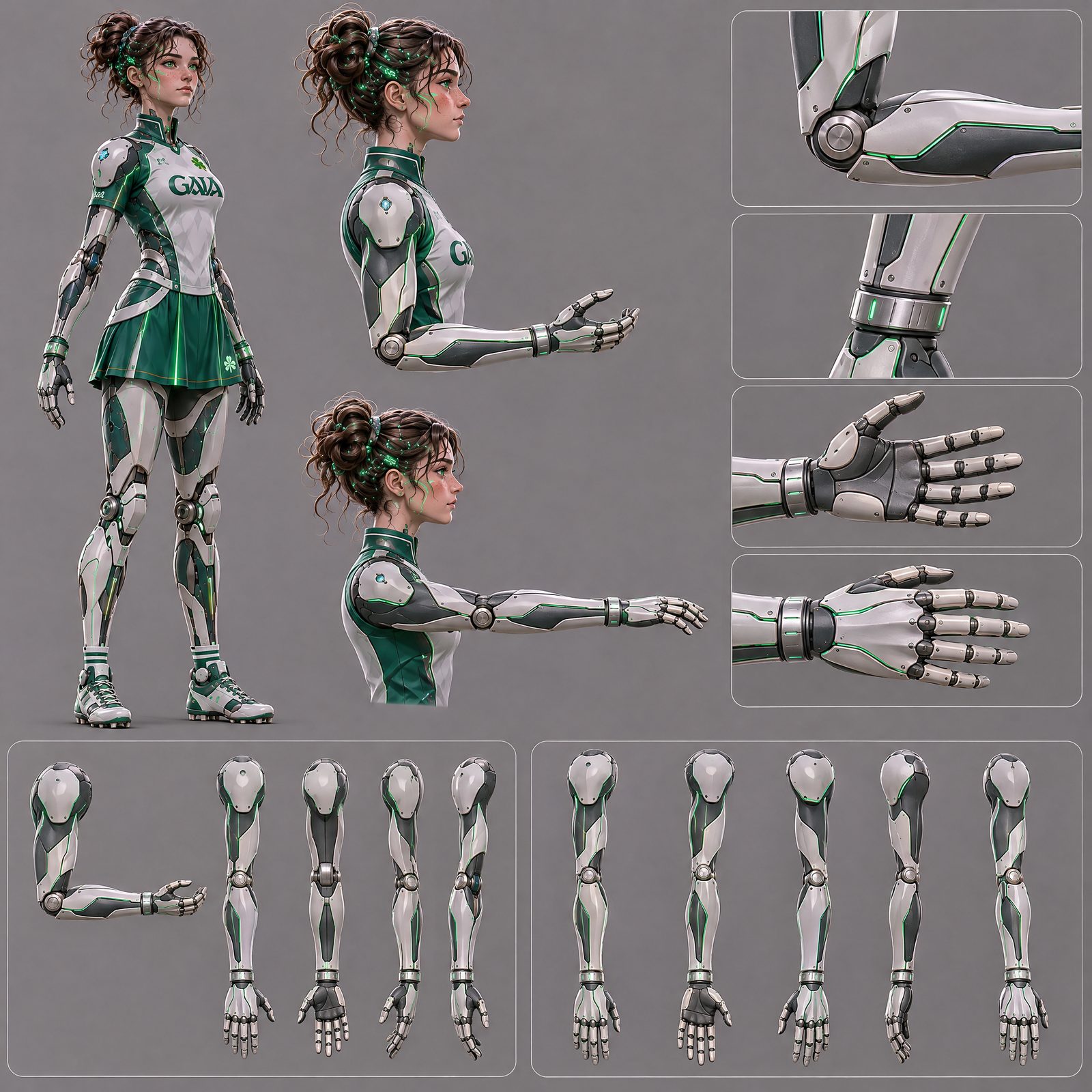
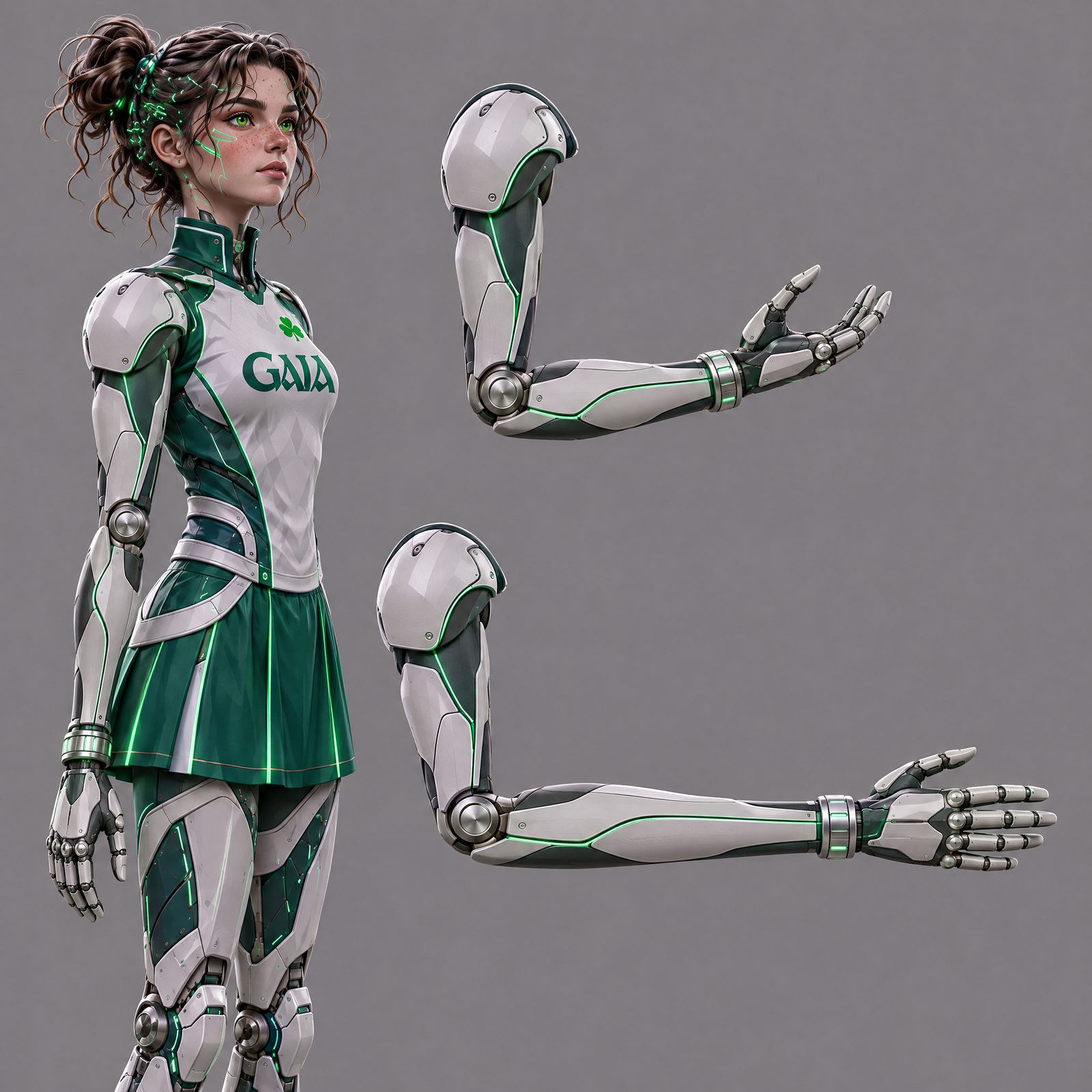
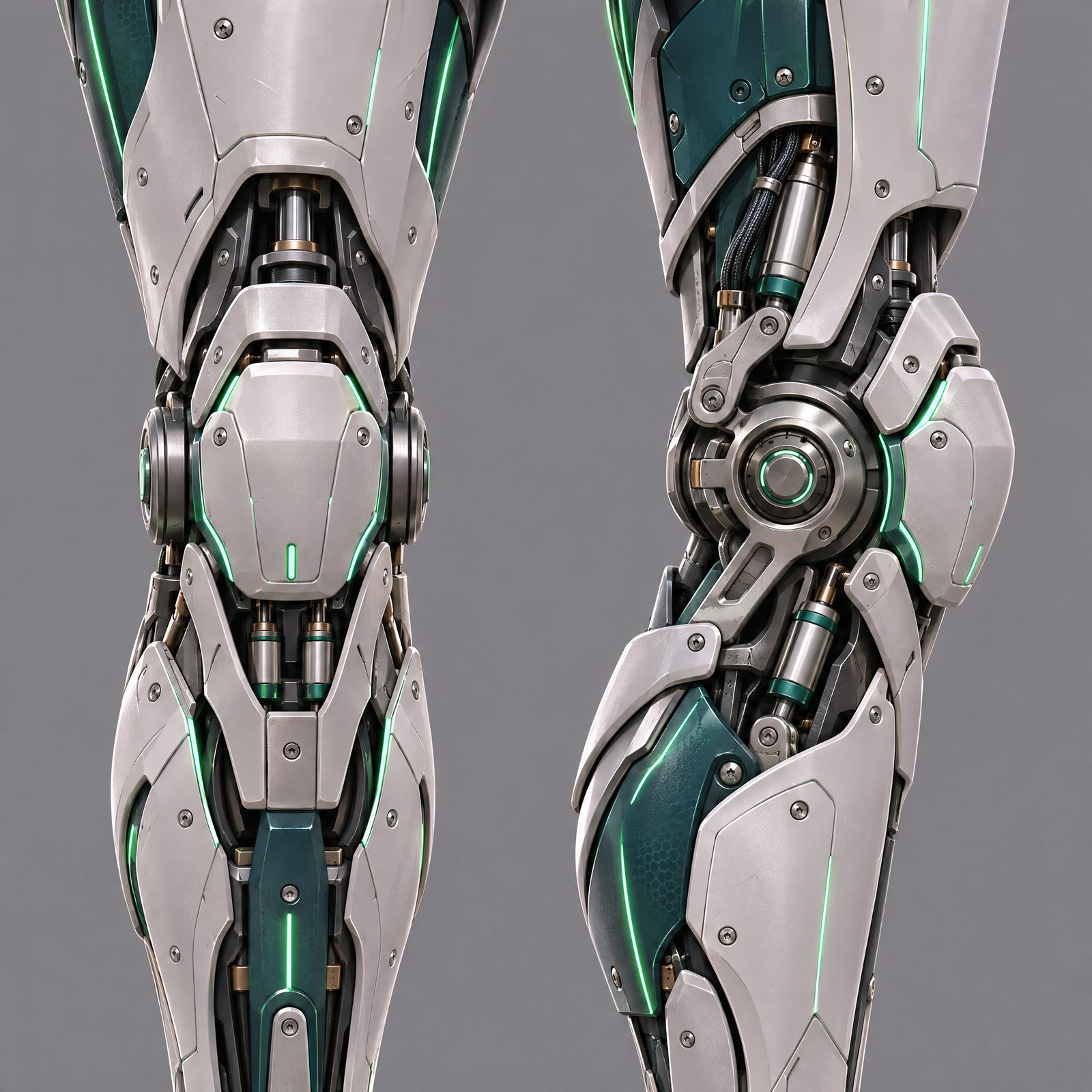
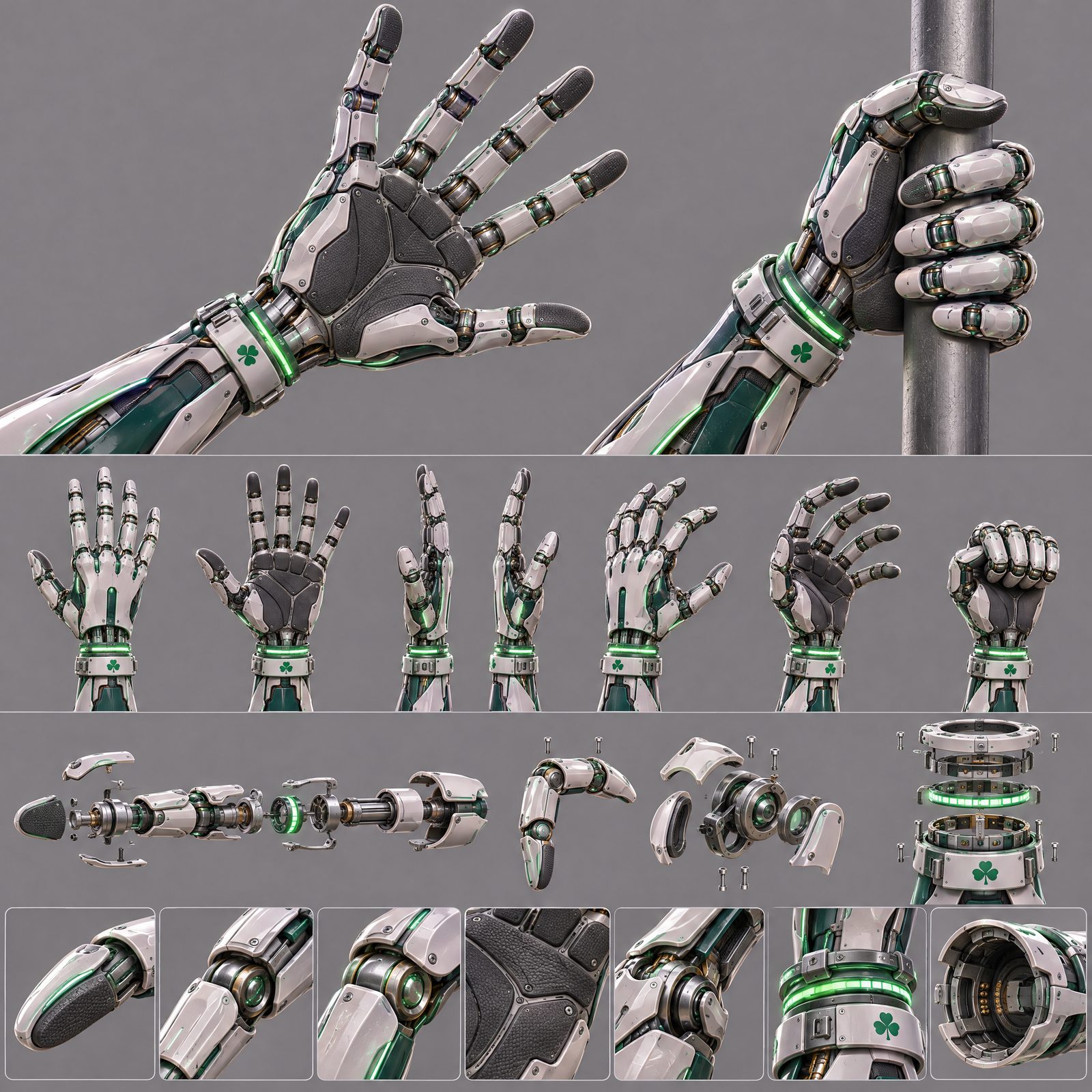
Inspect RenderMesh in solid mode from profile and three-quarter. A missing elbow hinge or wrist ring needs a shape revision before UV lock. RemeshMesh can close gaps and its current 20 smoothing iterations may erase narrow rings. Compare with 0–4 iterations on the same source. BakeNormalMapFromMesh transfers relief from actual high-poly geometry to the UV mesh. A painted normal-looking view supplies neither a hinge nor a tangent-space bake.
If Kev approves a part branch, use measured, registered multi-view references and fit the part at the measured pivot before MergeMeshes and unwrap. The node concatenates geometry. Alignment, removal of overlapping shell and articulation still need proof. Until those are demonstrated, revise the shared V03 shape.
5. Highest-value new references
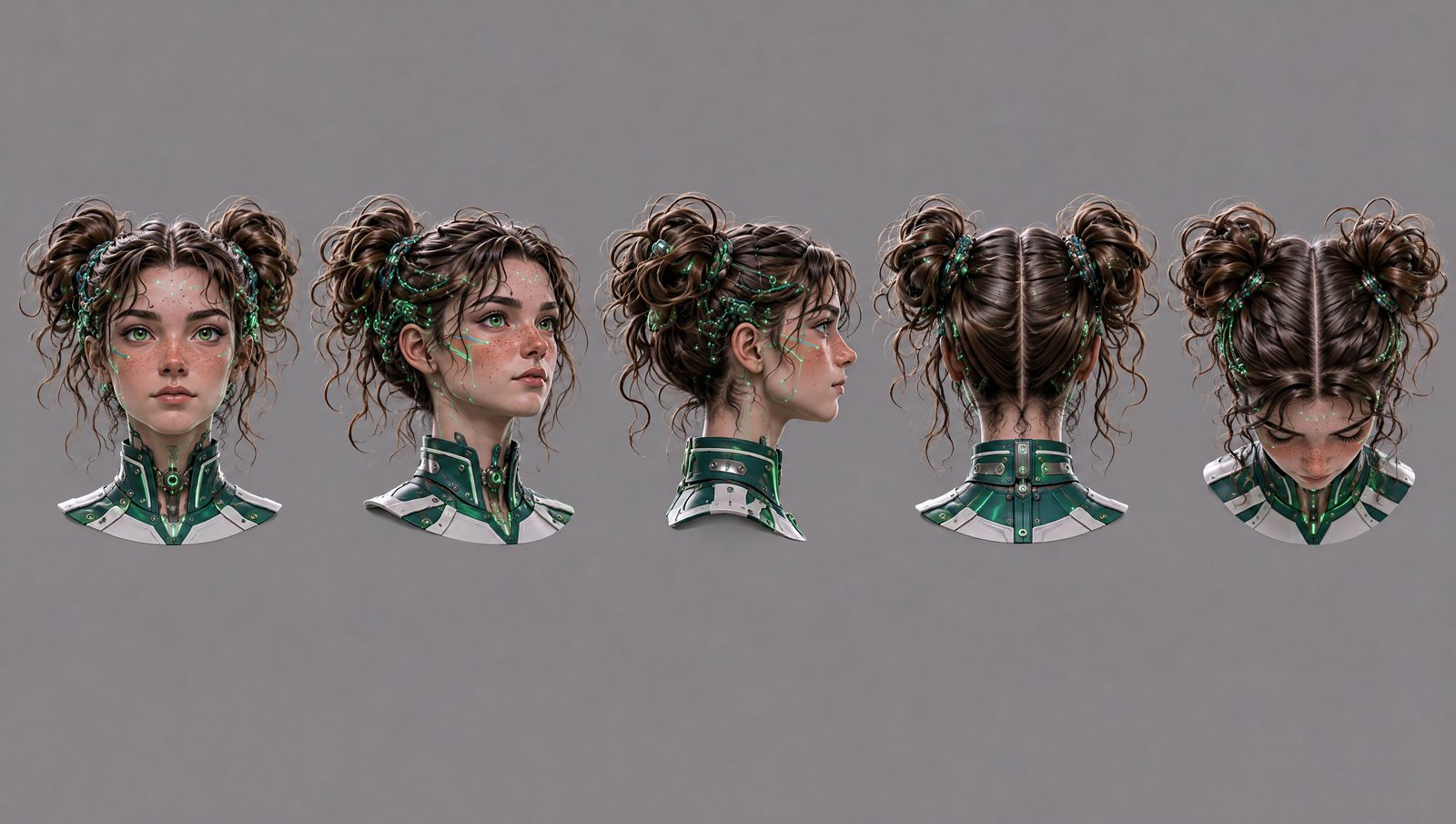
Use each target render as the framing guide, with the same pose, neutral light and margins. For V03/09/10, request true left and right orthographic profiles at identical scale. The builder mirrors one side, reversing asymmetric marks. For 03/13 prioritise separate square-on sleeves from shoulder seam to cuff, plus isolated transparent marks for 12/13. For 00–02/18 match hairline, chin and ear positions across front, 45°, profile, crown and rear. For 04–08 request one joint per frame, outer and inner profiles plus front, showing the full attachment on either side. For 14/15 add the opposite face and edge at equal scale. For 16/17 add an opposing seam view. The dramatic 11 and over-shoulder 19 give weaker colour and projection references than flat-lit matching views.
6. Memory and execution
Keep the reported --disable-pinned-memory --disable-dynamic-vram. Measure Windows Committed current/limit and peak by stage. Free RAM missed the previous failure. Confirm the enlarged pagefile through the actual commit limit. Keep shape plus the three dependent base bakes in the Pixal3D phase, saving each before loading Qwen. Then run one disk-backed edit/bake or prop at a time with --cache-none. On the current connected chain that flag would recompute ancestors. Measure the first cold Qwen load and reserve its measured commit increase plus headroom before repeating. Unload between phases. Start with 1K detail renders and 2K atlases. Reserve 4K and the 700k-face mesh for a demonstrated master-detail need.
7. Acceptance after each layer
| Inspect |
Pass condition |
| Shape and joints |
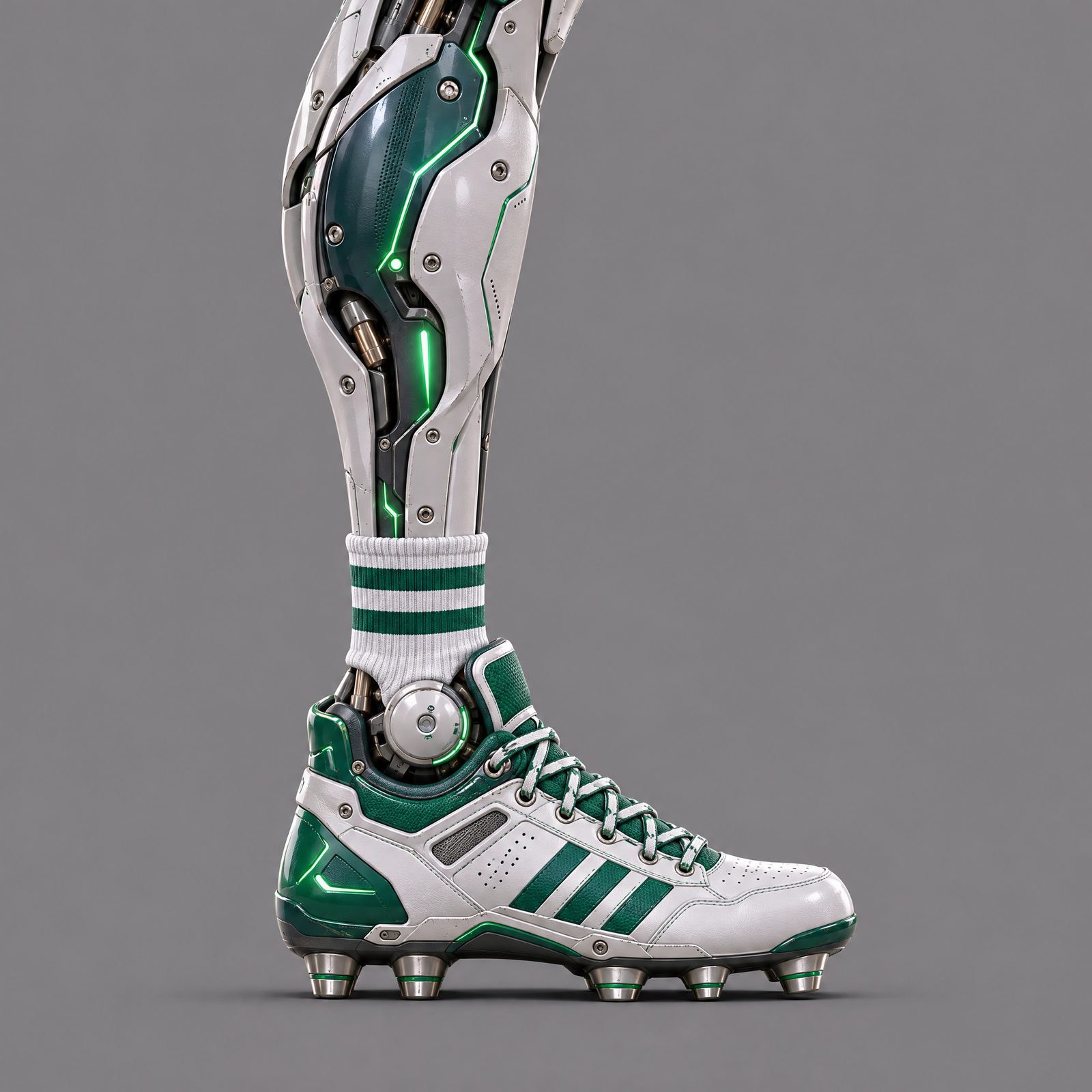
Solid turntable matches measured outline. One elbow and knee per side, distal twist ring, two-axis wrist, four fingers plus opposing thumb. Verify motion separately when rigged. |
| Health |
Switch all three on identical geometry/UVs. Hands/forearms reveal first, then shins, knees/elbows, upper arms/thighs, face last by default. Full arms clear, kit stable. |
| Head and kit |
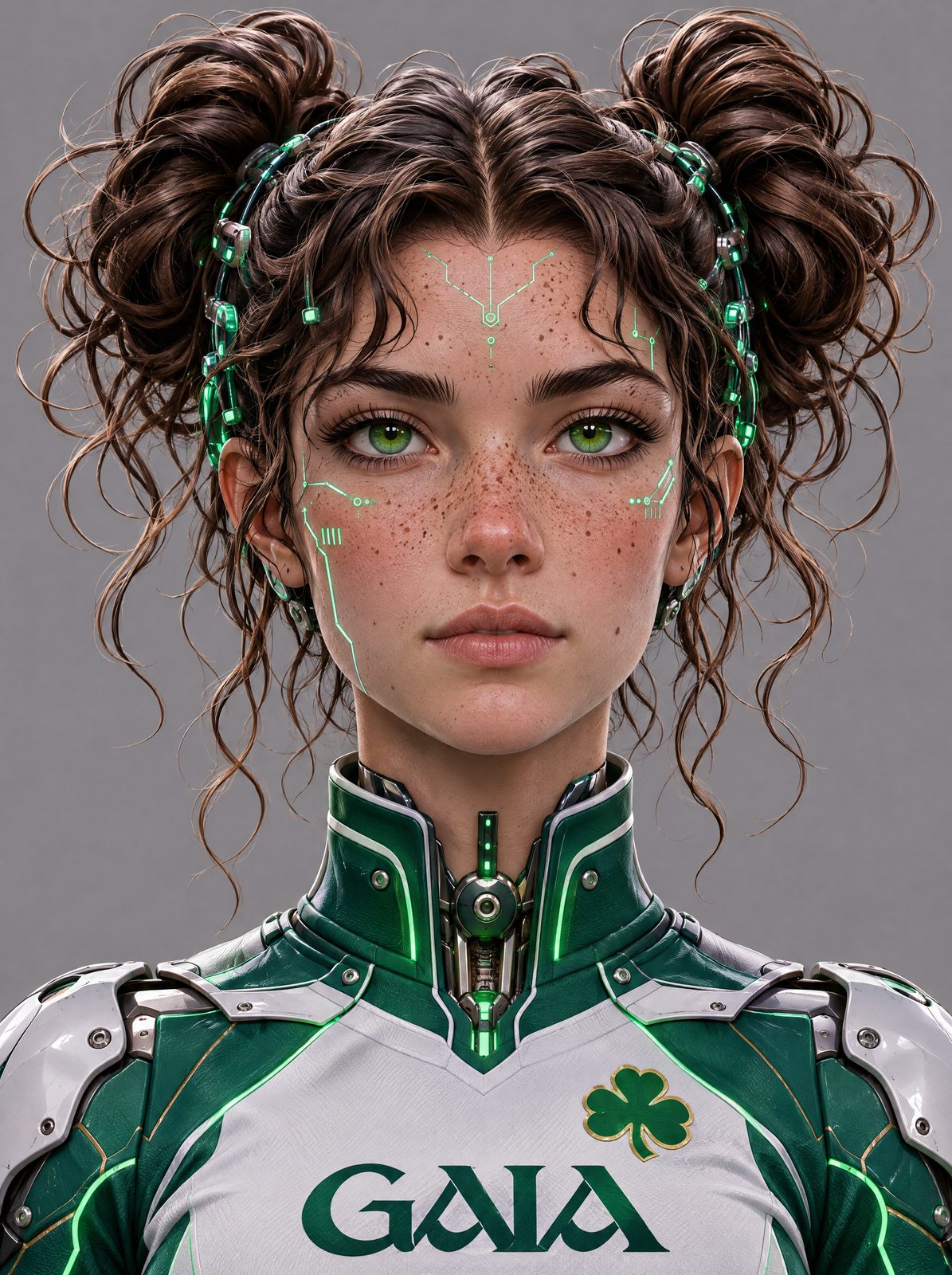
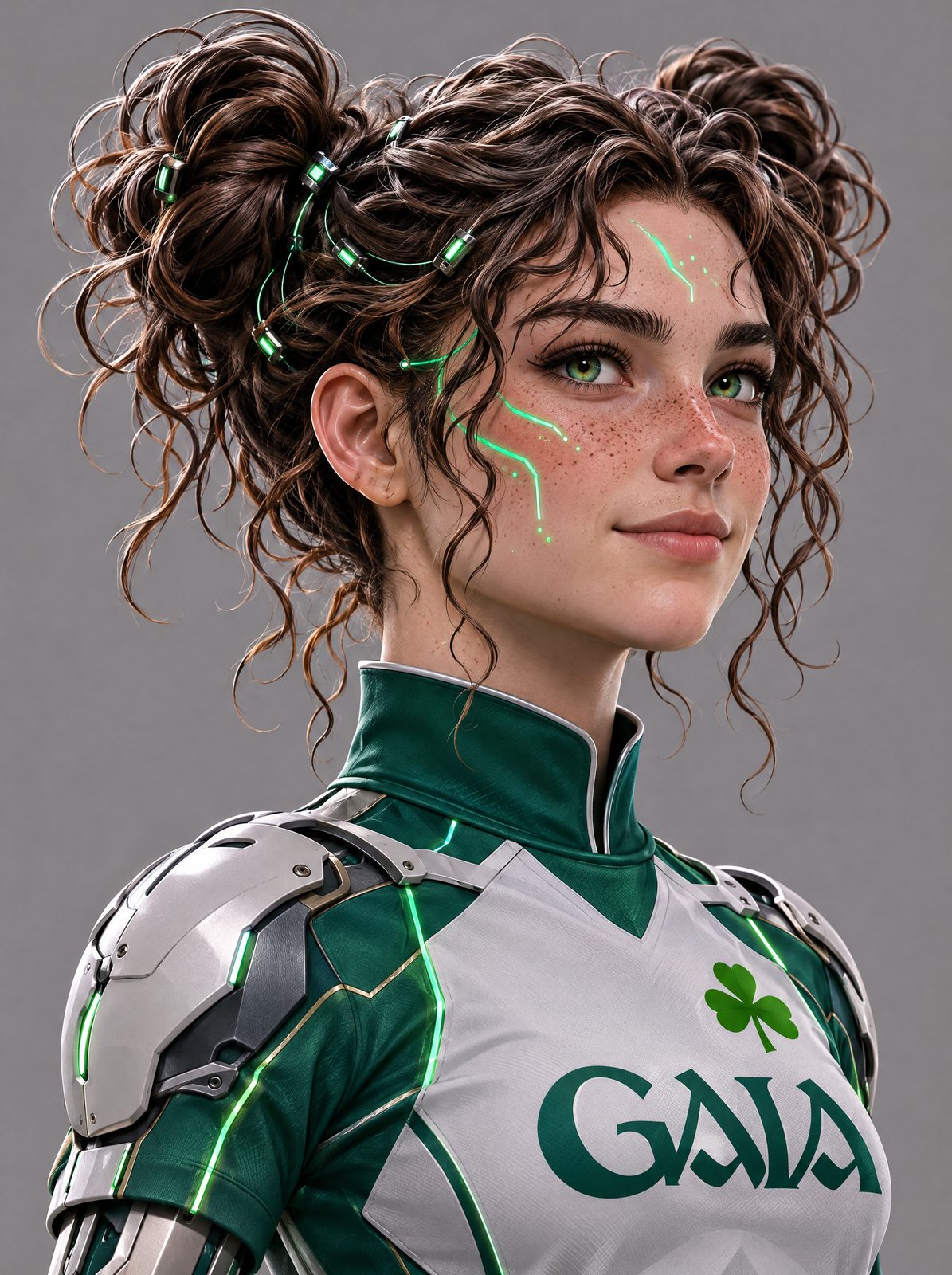
Green irises, clear whites, freckles and two buns agree across angles. GAIA reads forward, shamrock sits flat, both sleeves match their references. Reject halos, false hardware, skin lettering or changes outside the mask. |
| Props and phone |
Grip and bas band align in profile, both balls retain seams. Inspect from camera 19 at phone size. Check the estimated 22–25k hero triangles and 2K atlas on the delivery mesh. |
8. Public sources and templates
The official mesh loader documents the single-material reload path. The CLI reference explains cache modes. Get 3D Components · Startup flags
The local official UltraTex template shares cameras across renders and performs two projection passes. Borrow that camera wiring. Its weights are absent on Dublin and carry a non-commercial licence. UltraTex model card